Bridging Physical Documents and Digital Registers
Manual data entry from bank statements into your digital spreadsheet or register is often the primary source of reconciliation errors. The ImageToTable suite provides a robust solution for converting printed paper statements into structured, machine-readable formats. By focusing on high-accuracy OCR (Optical Character Recognition) specialized for financial records, these tools allow you to bypass manual typing and reduce common human errors such as transposition or incorrect date formatting.
Ensuring Data Integrity During Extraction
When selecting a data extraction tool, prioritize those that maintain strict data integrity. The process involves more than just reading numbers; it requires ensuring that columns for dates, descriptions, and amounts are accurately mapped. Always verify that your chosen parser correctly handles multi-page statements and identifies negative balances or service fees accurately. Once the extraction is complete, we recommend performing a manual spot-check to confirm that the tool correctly distinguished between credits and debits, as these are critical for achieving a balanced account.
Related Articles
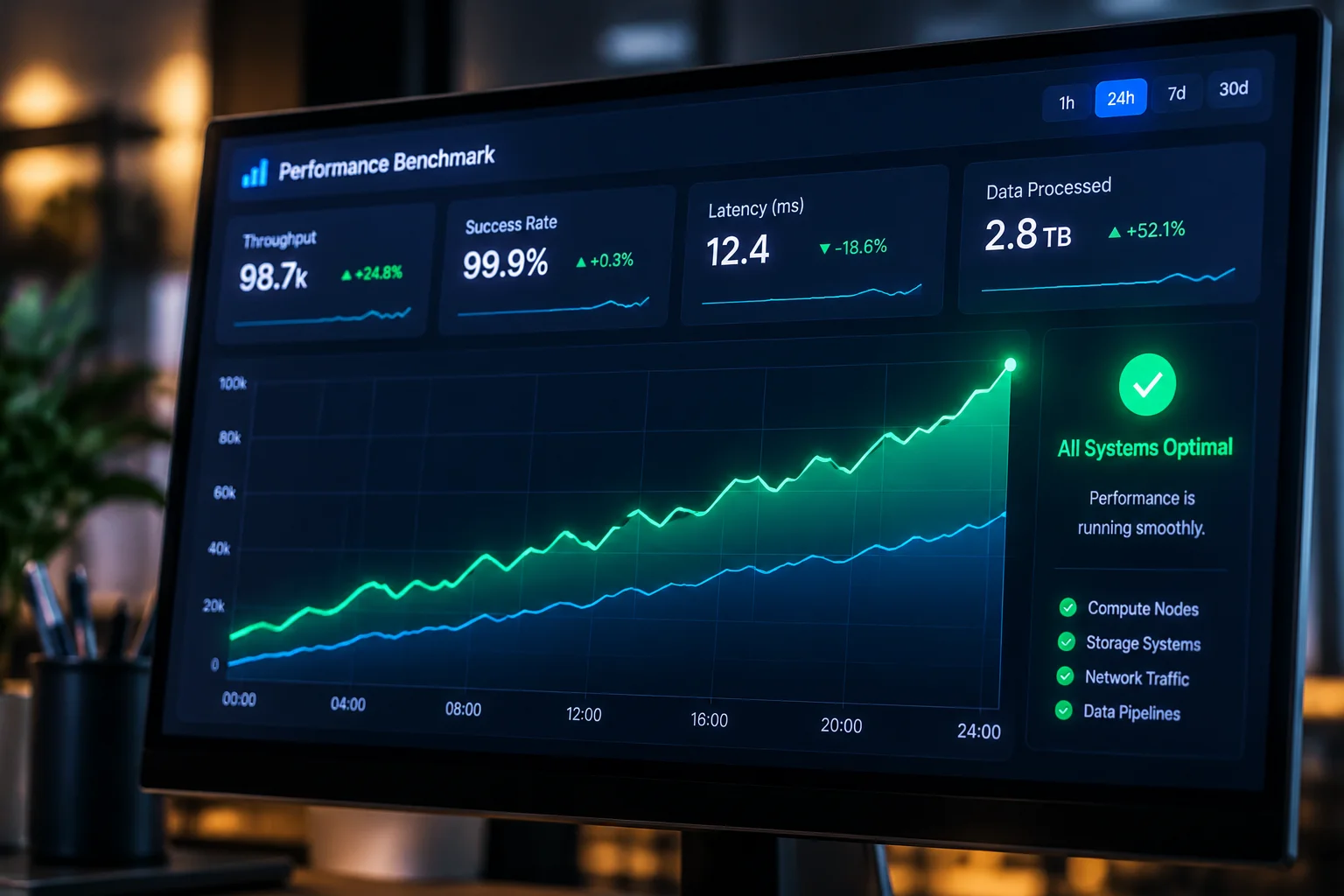
Kaaj AI Parser Benchmarks and Funding
Performance metrics and analysis of AI-driven financial parsers.

ChatFin AI Reconciliation Tool Launch
Introducing conversational AI into the reconciliation workflow.